
Predecessor Crossplay: Play With Friends on PC & Console
Predecessor crossplay lets PC, PlayStation, and Xbox players team up. Explore supported platforms, controller support, and voice chat before you jump in.
Jump to
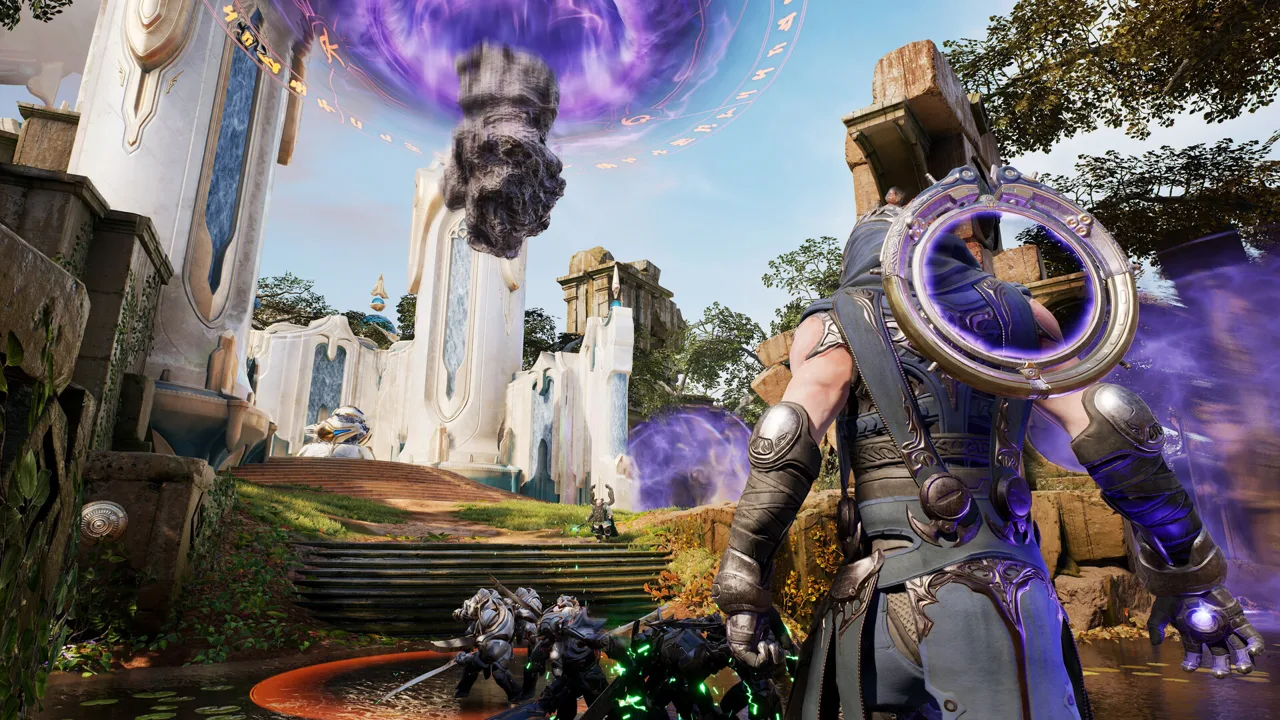
Does Predecessor Support Crossplay?
Yes—Predecessor crossplay lets PC, PlayStation, and Xbox players play together. Your squad can stick together even when everyone owns different hardware. Controller and keyboard-and-mouse players can also share the battlefield.
That means a PC player can team up with friends on PlayStation and Xbox rather than needing everyone to download the game on the same platform. Cross-platform multiplayer extends across console and PC, including Windows players using Steam or the Epic Games Store.
You can play on:
- Windows PC: Steam and Epic Games Store.
- PlayStation: Play with friends on PC and Xbox.
- Xbox Series X|S: Play with friends on PC and PlayStation.
The game is free to play, so getting a mixed-platform group together doesn't require buying a copy for each friend. Head to the official Predecessor website to choose your platform and download the game.
The move toward that free entry point happened during the game's development. Paid Early Access was followed by a free-to-play open beta beginning March 28, which brought Xbox Series X|S into the lineup. The open-beta lineup also included PlayStation 4 and PlayStation 5. The full release followed on August 20, 2024, so older descriptions calling the game an upcoming release or an open beta belong to an earlier stage of its history.
Playing across systems was part of Omeda Studios' vision for the game. Founder Robbie Singh described having friends who played on PlayStation and Xbox instead of PC, making cross-platform multiplayer essential to playing with them. That focus fits a team game where bringing your existing friends together matters just as much as choosing a hero.
In the standard five-versus-five MOBA format, your group still has the same job across every platform: contest three lanes, fight through the jungle, destroy enemy structures, and push toward the opposing base. Crossplay brings your friends into that team regardless of which supported system they use.
Each match puts 10 human-controlled heroes on opposing teams, with AI minions supporting the fight. Heroes have distinct abilities and characteristics, while gold earned from killing minions, destroying towers, and defeating enemy heroes lets you purchase items during the match. Those purchases can improve attributes such as health, strength, and attack speed. Items can also provide effects such as teleportation or invisibility, adding decisions beyond which hero you bring into the match. Coordinate purchases and ability use with your teammates as you work toward breaking through the enemy's defenses.
Controller Support and Voice Chat Across Platforms
Playing on PC doesn't lock you into keyboard and mouse. Predecessor has full controller support on Windows, and its cross-platform play allows controller users to face keyboard-and-mouse users.
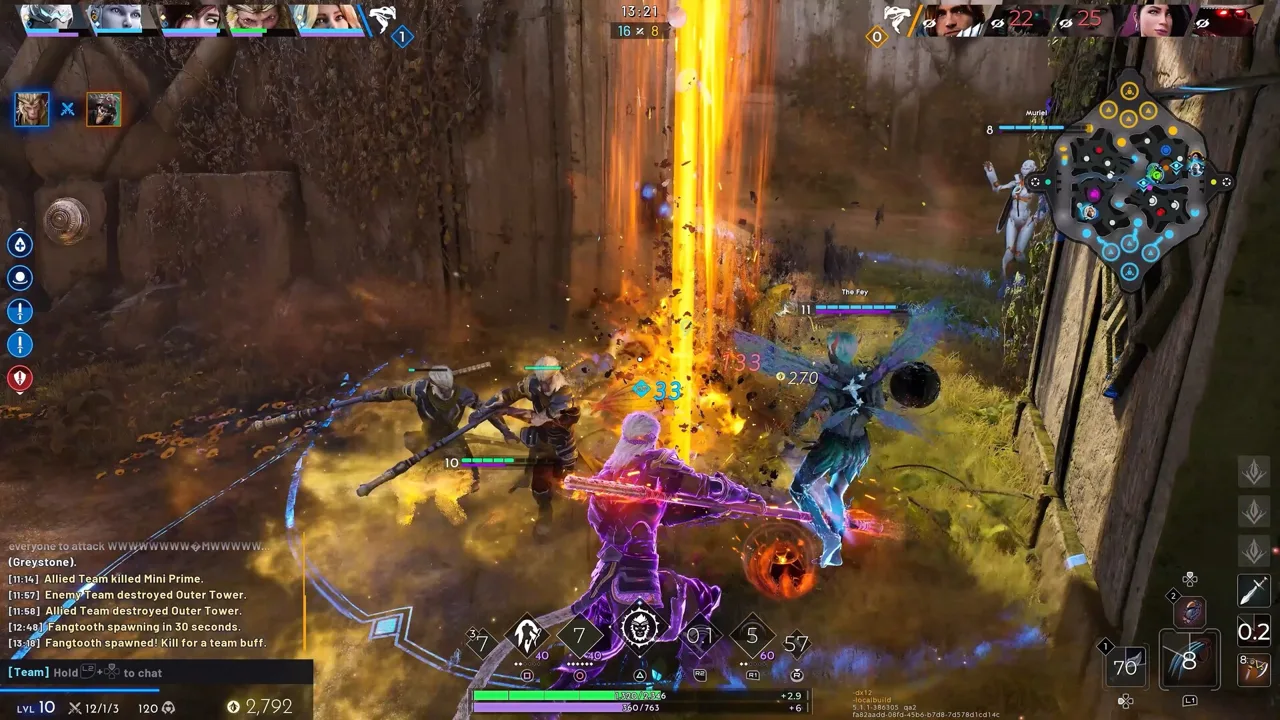 Image: Steam / Omeda Studios
Choose the controls you're comfortable with. If you prefer a gamepad but your friends play at a desk, you can still join them without matching their input method.
The action uses an over-the-shoulder, third-person perspective, bringing aiming, movement, and nearby combat into focus. Vertical movement is part of that battlefield: heroes can vault over enemies and terrain, and some abilities take the action into the air. Argus offers a specific example. He can place an ability beneath himself to launch upward, launch allies, or put a pillar between an ally and an enemy. Call out those plays before using them around teammates so your group can coordinate its movement.
Discord-powered voice communications also support coordination across console and PC. Use voice callouts to coordinate lane pressure, jungle objectives, and team fights—especially when your teammates are spread across different systems.
For a mixed-platform squad, decide who will handle each role before playing and keep objective calls clear. The hardware gets everyone into the same match; coordinated decisions help your team make use of it.
Continue exploring
Predecessor Valmont Build: Skills, Mana, and Augments
Shape your Predecessor Valmont build around magical power, Lilith, and smart mana use. Learn ability priorities, augment tradeoffs, and teamfight tactics.
Predecessor Characters: Full Roster and Starter Picks
Explore Predecessor characters, browse the hero roster, and compare beginner picks like Gideon, Greystone, and Zarus to find a playstyle that fits you.
Join the community
Official channels for news, updates and player help: